Best AI Meeting Assistant for Microsoft Teams: 5 Options Compared (2026)
Compare 5 AI meeting assistant options for Microsoft Teams in 2026 — Microsoft Teams Premium and Copilot, Otter, Fireflies.ai, Fathom and Avoma — on published pricing, licence requirements and whether a bot joins the cal
If your company already runs on Microsoft 365, the question is not really “which AI notetaker is best”. It is narrower and more awkward: do you pay Microsoft again for the meeting intelligence you assumed you already had, or do you put a third-party assistant into your Teams calls? That single decision drives cost, admin work and how comfortable your data-protection story looks afterwards.
This comparison covers five options a small business can realistically buy for Microsoft Teams meetings: Microsoft’s own recap and Copilot licensing, Otter, Fireflies.ai, Fathom and Avoma. All pricing, licensing and capability statements come from the vendors’ own pages, checked in September 2026.
How this comparison was put together
- Every figure was taken from the vendor’s public pricing page or official documentation. Where a vendor does not publish a number, this article says so instead of estimating one.
- We make no accuracy or “productivity gain” claims. Transcription accuracy varies with accents, audio hardware and meeting overlap, and no vendor publishes a methodology that would let anyone compare those numbers fairly.
- We have not run a bake-off between these products, and nothing here should be read as a lab result. What is compared is documented capability, licence requirements and published price.
- Capability we could not find in official documentation is marked not documented. Prices behind a sales conversation are marked contact sales.
- Annual prices are quoted where the vendor’s default toggle shows annual billing, because that is the figure most small buyers will be quoted first. Monthly rates are higher at every vendor here.
The Microsoft licensing question, answered first
Most confusion in this category comes from assuming Teams already summarises meetings. It does not, at least not on a standard Microsoft 365 subscription. Microsoft’s documentation splits the feature into layers:
- Transcription and a basic meeting recap need a Microsoft 365 subscription that includes Teams (or a separate Teams licence), and an admin has to allow transcription by policy.
- Intelligent recap — the AI-generated notes, mentions and suggested tasks people actually want — requires a Teams Premium licence or a Microsoft Copilot licence assigned to the user.
- Audio recap requires a Microsoft Copilot licence specifically. Teams Premium alone does not cover it.
- Video recap requires the meeting to be both recorded and transcribed; Microsoft states it is unavailable for meetings that are transcribed but not recorded.
- Teams Premium is an add-on. Microsoft is explicit that users need both a Teams licence and a Teams Premium licence — it is not a replacement.
On price, Microsoft publishes Teams Premium at $10.00 per user per month paid yearly, and the Microsoft 365 Copilot add-on at $18.00 per user per month paid yearly, listed as reduced from $21.00. Microsoft also sells bundles that include Copilot with a Microsoft 365 subscription, priced on the same page at $23.50 and $32.00 per user per month paid yearly depending on the underlying plan.
That is the number to hold in your head while reading the rest of this article: the Microsoft-native route starts at $10 per user per month for recap and rises to $18 or more per user per month if you want Copilot’s wider capability, on top of what you already pay for Microsoft 365.
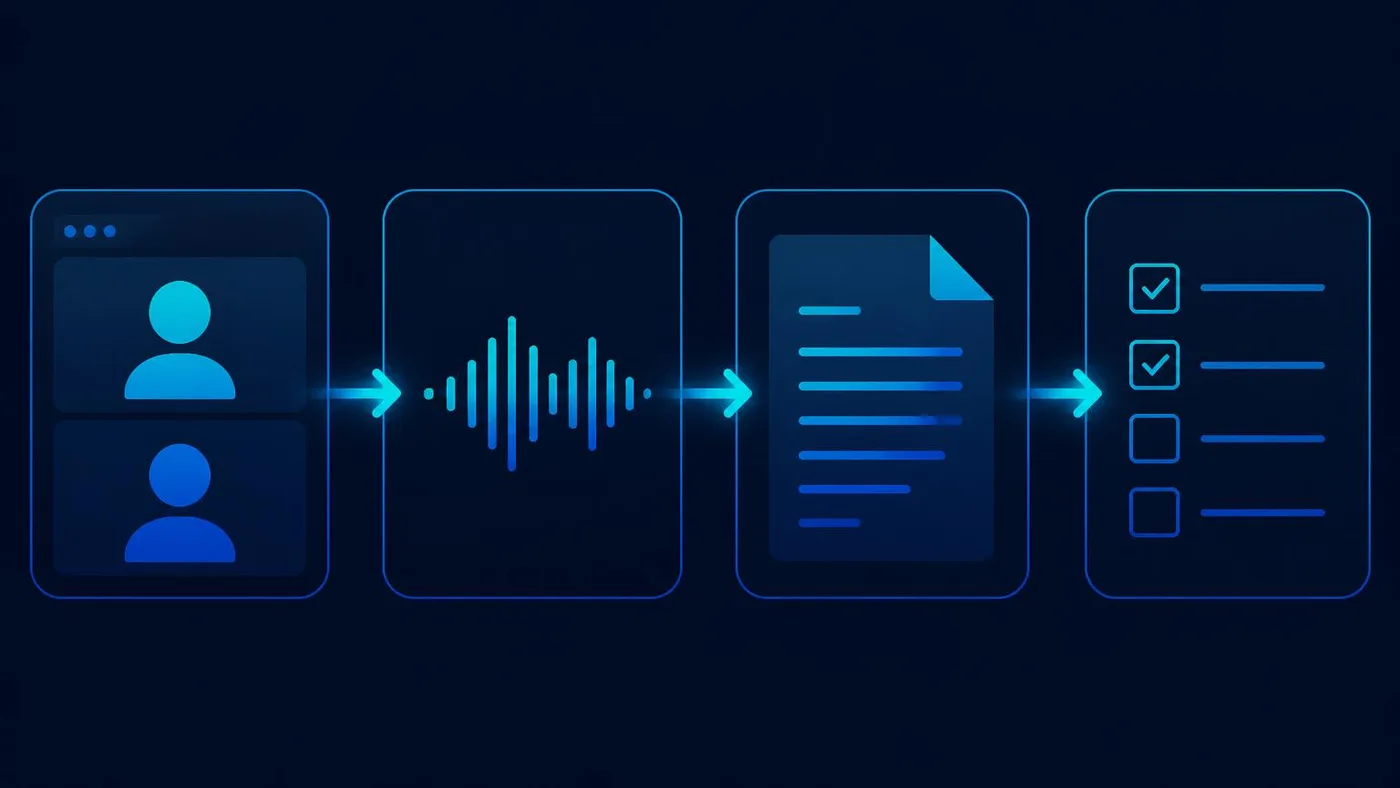
Decision matrix
| Option | Published entry price | How it captures a Teams meeting | Summaries and action items | Speaker identification | CRM (Salesforce / HubSpot) | SSO / SCIM | Custom retention | Best fit |
|---|---|---|---|---|---|---|---|---|
| Microsoft (Teams Premium / Copilot) | Teams Premium $10.00 user/month paid yearly; Copilot add-on $18.00 user/month paid yearly | Native. No external participant joins; Microsoft’s own transcription and recap | Yes — intelligent recap requires Teams Premium or Copilot; audio recap requires Copilot | Yes, via Teams transcription | Not part of the licence | Your existing Entra ID tenant | Governed by your Microsoft 365 tenant policies | Companies who want no third party in the meeting or in the data path |
| Otter | Free (300 transcription minutes/month); Pro $8.33 user/month annual; Business $19.99 user/month annual; Enterprise contact sales | Notetaker joins the meeting; Teams listed as a supported platform on every tier including free | Yes, with automated summaries, action items and AI workflows | Yes, on all tiers including free | Salesforce and HubSpot from Pro, “subject to user limits” per Otter’s own footnote | Enterprise tier only | Enterprise tier only | Cheapest credible paid seat for a small team that mainly needs notes |
| Fireflies.ai | Free $0; Pro $10 seat/month annual; Business $19 seat/month annual; Enterprise $39 seat/month annual only | Bot joins as a meeting participant; needs guest access and lobby bypass configured by a Teams admin | Yes — unlimited AI summaries from Pro, action items and task manager | Not documented on the pages we verified | Not itemised on the verified pricing page — “unlimited integrations” from Pro | SSO + SCIM on Enterprise | Custom data retention on Enterprise | Teams shops that want a free tier to trial and a cheap upgrade path |
| Fathom | Free $0; Premium $16 user/month annual (individuals); Team $15 user/month annual (2 user min); Business $25 user/month annual; Enterprise contact sales | Fathom Notetaker joins the meeting via your Microsoft calendar; a bot-free capture option is listed in beta on the free individual plan | Yes, including AI action items and a conversational meeting assistant | Not documented on the pages we verified | CRM field sync from the Business tier | SSO and SCIM on Enterprise | Custom data retention programmes on Enterprise | Small sales teams that want CRM write-back without enterprise pricing |
| Avoma | Startup $19 recorder seat/month annual; Organization $29 annual; Enterprise $39 annual only, minimum 10 paid seats | Imports Teams cloud recordings, transcripts and calendar context after the meeting ends | Yes, with AI summary notes, “Ask Avoma” and AI email follow-ups | Yes — speakers and talk-time are documented | Auto-save notes to CRM records from the Startup tier | SSO (SAML/OIDC) on Enterprise | Data retention policies on Enterprise | Revenue teams who want meeting intelligence and scheduling in one bill |
Two things in that table matter more than the prices. First, only Microsoft and Avoma avoid putting an extra participant into the call — everyone else joins the meeting. Second, the governance features small businesses get asked about during vendor reviews (SSO, SCIM, custom retention) sit on the top tier at every third-party vendor here.
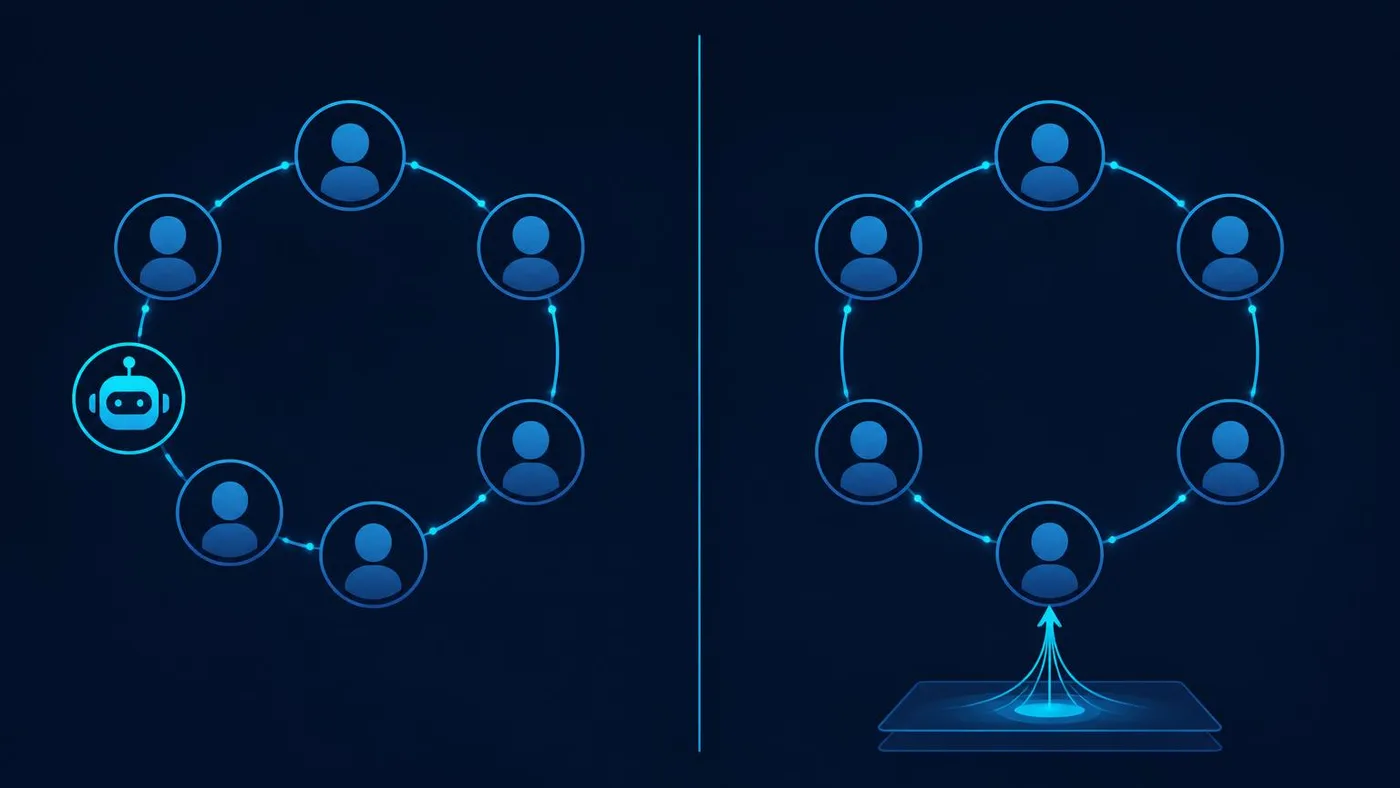
Bot in the meeting versus bot-free capture
This is the distinction that decides whether a rollout is smooth or contentious, and it is rarely explained on pricing pages.
A joining bot shows up as a visible participant. Fireflies documents that it joins your Microsoft Teams meeting as a participant, and that a Teams admin has to permit guest access and lobby bypass for it to get in reliably. Fathom documents the same model: the Fathom Notetaker joins meetings found on your Microsoft calendar. The upside is that a bot works on any meeting you are invited to, including meetings hosted by someone else’s tenant. The downside is that external attendees can see it, someone will eventually ask what it is, and your admin has to loosen a guest-access setting.
Native or recording-based capture avoids the extra participant. Microsoft’s recap is produced by Teams itself. Avoma takes a different route to the same outcome: it imports Teams cloud recordings and transcripts once the meeting has ended, so nothing joins the call. The trade-off is dependency — Avoma’s flow needs cloud recording actually enabled and completed, and Microsoft’s recap needs transcription enabled by policy and, for video recap, the meeting recorded as well.
Fathom lists a bot-free capture choice on its free individual plan, described as in beta. Treat a beta capture path as something to test on internal meetings before it touches a client call.
When Microsoft’s own solution is enough
Buy Teams Premium or Copilot and stop there if most of the following are true: your meetings are internal, your compliance posture already rests on Microsoft 365, nobody needs meeting notes pushed into a CRM, and your objection to third-party tools is that you do not want another processor holding recordings of customer conversations. At $10 per user per month for recap, the Microsoft route is also competitive with third-party paid seats once you account for the admin time you do not spend approving a guest bot.
Look at a third-party assistant when one of these is true instead: you need notes written back to Salesforce or HubSpot automatically, you attend a lot of meetings hosted in other companies’ tenants, you want a free tier to prove value before spending anything, or you want coaching and deal-level analysis rather than a summary. Those are capabilities Microsoft’s meeting licences do not include.
Three small-business scenarios
A 12-person professional services firm on Microsoft 365 Business Standard
Meetings are mostly internal, client calls are occasional, and the practical need is “what did we agree and who owns it”. Teams Premium at $10 per user per month paid yearly gives intelligent recap without introducing a new processor, and every setting stays inside the tenant you already administer. If only three people actually need recap, licence three people — Teams Premium is a per-user add-on, so partial coverage is legitimate. If the same firm later wants Copilot in Word and Outlook too, the $18 per user per month Copilot add-on subsumes the recap requirement rather than stacking on top of it.
A five-person sales team that lives in HubSpot
Here the value is not the summary, it is not retyping the summary into the CRM. Fathom Business at $25 per user per month annual documents CRM field sync that updates records after meetings, plus deal-level summaries and call scorecards. Avoma Startup at $19 per recorder seat per month annual documents auto-save of notes to CRM records at its entry tier, and only recorder seats are billed — viewers and collaborators are free, which matters when a founder wants to read calls they did not attend. Choose Fathom if reps run the process from the meeting; choose Avoma if you also want scheduling and talk-time analysis in the same subscription.
A 30-person company with a security review to pass
If a customer questionnaire asks about SSO, provisioning and retention, price the answer honestly. At Otter, SSO and SCIM are Enterprise-tier features. At Fireflies, SSO, SCIM, audit logs, HIPAA compliance and custom data retention are all Enterprise, listed at $39 per seat per month annual only. At Fathom, SSO and SCIM sit on Enterprise, which is quoted by sales. At Avoma, SAML/OIDC SSO, signed DPAs, retention policies and HIPAA compliance are Enterprise, minimum ten paid seats. The Microsoft-native route answers most of the same questions with the tenant controls you already own, which is often the deciding factor at this size.
The Atlas 7-Day Pilot
A week is enough to make this decision if you test the right things in the right order.
- Day 1 — check what you already have. Confirm whether transcription is enabled by policy in your tenant and whether anyone holds a Teams Premium or Copilot licence. A surprising number of “we need a notetaker” projects end here.
- Day 2 — decide the capture model before the shortlist. Ask whether a visible external participant in client calls is acceptable. If it is not, your shortlist is Microsoft and Avoma, and you have saved yourself four trials.
- Day 3 — trial on real internal meetings only. Free tiers exist at Otter, Fireflies and Fathom; Avoma offers a 14-day trial of its Organization plan without a card. Keep client conversations out of a trial until the vendor has cleared review.
- Day 4 — test the awkward meeting. Four speakers, one bad headset, one person joining from a phone, and someone dialling in late. That is where summary quality separates, and it is the meeting no vendor demo shows you.
- Day 5 — test the destination, not the notes. If CRM write-back is the reason you are buying, confirm on the tier you intend to pay for that the fields you care about actually populate. Both Fathom’s CRM field sync and Avoma’s CRM save are tier-gated.
- Day 6 — get the admin and data answers in writing. Retention period, deletion process, who at the vendor can access recordings, whether the tier you chose includes SSO. Screenshot the pricing page; this category re-prices frequently.
- Day 7 — price the real configuration. Seats actually needed multiplied by the tier that contains the feature you need, annual versus monthly, plus any seat minimums. Compare that total against the Microsoft-native alternative before you sign.
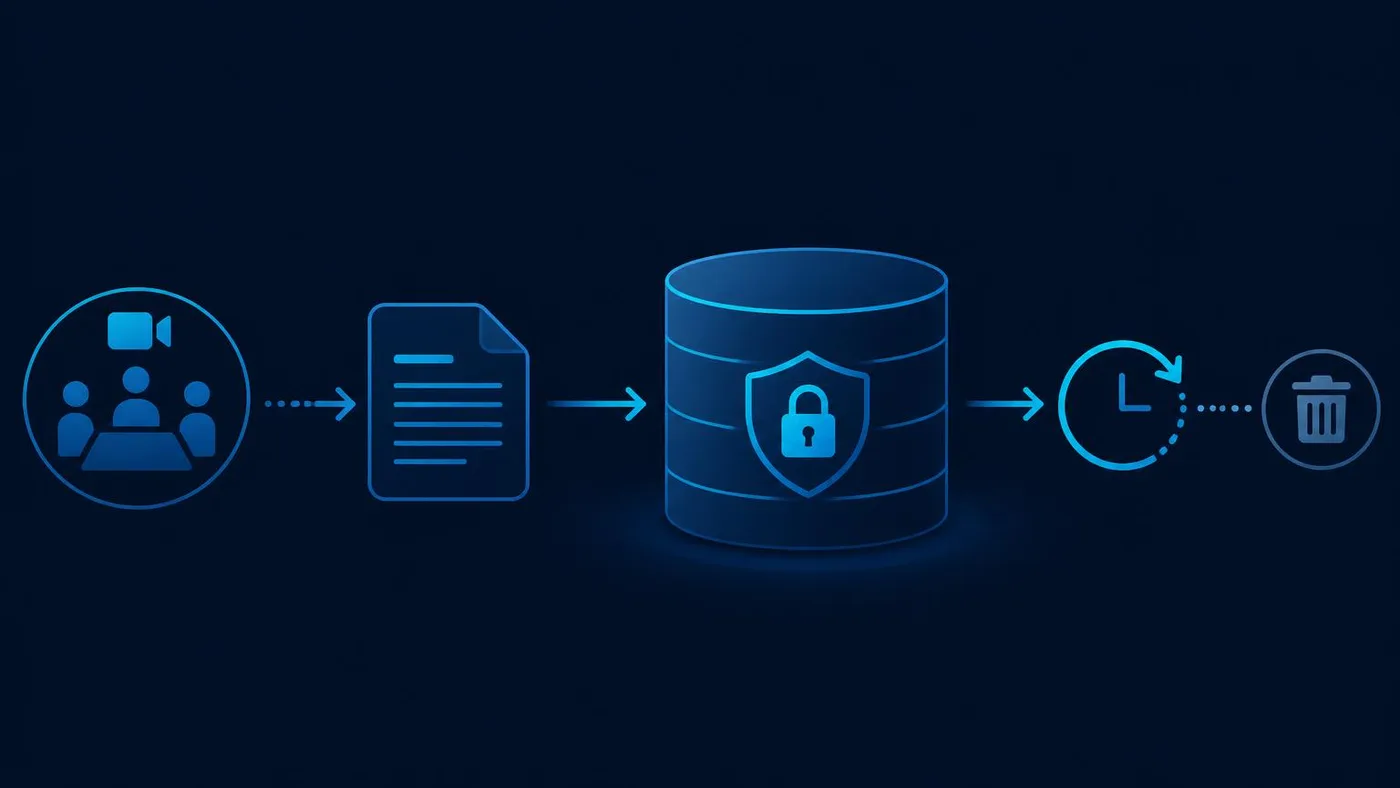
Privacy and security considerations worth settling early
- Consent and notice. Recording rules vary by jurisdiction and by whether attendees are external. Decide your standing disclosure before rollout rather than per meeting.
- Guest access is a tenant-wide change. Letting a notetaker bot bypass the lobby is an admin setting with implications beyond one product; make that decision deliberately.
- Retention is usually a paid feature. Custom retention is Enterprise-tier at Otter, Fireflies, Fathom and Avoma. If your policy requires deletion after a fixed period, that policy has a price.
- Training on your data. Fireflies publicly states zero data retention in the sense of not using customer data for AI training, alongside SOC 2 Type II, GDPR and HIPAA compliance claims. Ask every vendor the same question and keep the answer with the contract.
- One processor or two. The Microsoft-native route keeps meeting content within a processor you have already assessed. That is the strongest argument for paying Microsoft twice.
Limitations of this comparison
- Speaker identification is documented by Otter, Avoma and Microsoft’s Teams transcription. For Fireflies and Fathom we could not confirm it on the official pages we verified, so it is recorded as not documented rather than absent.
- Fireflies’ CRM coverage is described as unlimited integrations from the Pro tier but is not itemised per CRM on its pricing page, so we have not claimed a specific Salesforce or HubSpot tier.
- Otter’s Salesforce and HubSpot integrations carry user limits in Otter’s own footnote; the exact limits are not stated on the pricing page.
- Microsoft’s documentation does not state whether in-meeting Copilot can work with no transcript at all, so we make no claim either way.
- tl;dv was in our original shortlist and was dropped: its pricing application did not render a verifiable public price at the time of writing, and a price we cannot read on the vendor’s own page has no place in a comparison table.
- Prices in this category change often, and several are promotional. Verify each figure on the vendor’s page before committing budget.
If you are working through Microsoft 365 add-ons more broadly, our guide to implementing AI automation in small business workflows covers where meeting output should go next, and identity decisions follow the same tenant-first logic as our comparison of SSO solutions for small business.
Sources
- Microsoft Learn: intelligent recap for Teams calls and meetings — licence requirements for text, audio and video recap.
- Microsoft Learn: Teams add-on licensing — Teams Premium is an add-on requiring both licences.
- Microsoft Learn: Teams Premium overview for admins — feature scope and admin controls.
- Microsoft Learn: Microsoft 365 Copilot licensing — eligible base plans and included chat capability.
- Microsoft Learn: Microsoft 365 Copilot requirements — prerequisites and licensing caveats.
- Microsoft Teams Premium pricing — $10.00 per user per month paid yearly.
- Microsoft 365 Copilot for business pricing — Copilot add-on and bundled plan pricing.
- Otter pricing — plan prices, free-tier minute limit, speaker identification, CRM footnote, Enterprise SSO/SCIM.
- Fireflies.ai pricing — tier prices, storage limits, Enterprise SSO/SCIM, retention and compliance claims.
- Fireflies.ai Microsoft Teams integration — bot joins the meeting as a participant.
- Fireflies.ai guide: invite Fireflies to a Teams meeting — guest access and lobby bypass requirements.
- Fathom pricing — individual and team tiers, CRM field sync tier, Enterprise SSO/SCIM and retention.
- Fathom help centre: recording Microsoft Teams meetings — Notetaker joins via Microsoft calendar.
- Avoma pricing — recorder-seat model, tier prices, Enterprise seat minimum and compliance features.
- Avoma Microsoft Teams integration — Teams cloud recording import, speaker talk-time and CRM sync.
AtlasProfitAI publishes independent guides for small-business teams. Read how we choose topics and check our work in our research methodology and advertising disclosure.